
In the not too distant past, productivity tools might be a simple to-do list, a physical diary and calendar and a pencil. People would list a task and date, cross it off when completed and get a little hit of dopamine for a job well done. Now, we can do so much more with digital tools that can track our habits, sleep patterns, schedule appointments, remind us when to hydrate and so much more.
But, despite these advances, we seem to be more disconnected than ever and this can be described as the productivity app paradox. It seems that the more our lives are optimized using digital tools, the more work we create to manage those same tools. So, here we’ll take a closer look at app overload and fatigue and why people are drawn to new apps. Then we will look at practical strategies to simplify and streamline your life using tech.
Why More Digital Tools Can Lead to App Overload

Most people are in love with productivity apps. There’s a thrill when a new digital tool is discovered with the promise that this will finally give our lives the organization we need. The fresh clean interface and onboarding screens can lead us to believe that peak productivity is within our grasp.
But, every time we add an app to our devices, we are adding additional layers of complexity and responsibility. For example: if you download a task manager because your current tool is “clunky” you can spend 30 minutes setting the new app up. The old tasks will need to be imported, organizing tags need to be established, projects may need to be color-coded and notifications will be customized. This seems like productive work, but in reality nothing on your to-do list has been tackled. If you extrapolate this phenomena across multiple apps, you can see where app overload would become a problem.
App Accumulation Woes
As we gather apps, we may start with a single app to handle tasks, add another for time tracking, then another for note taking and so on. Pretty soon our devices are littered with digital tools that promise to optimize segments of our lives.
Every tool can add value, but there are obligations to consider, such as: where to log it, how it interacts with your other tools, how it fits into your project and more. These decision points create a web of tiny complex tasks that quickly eat into your time.
The Productivity Tax
This is the hidden cost of switching apps. Context switching cripples our productivity every time we switch between apps, such as: task manager to calendar, email to note making and more. The human brain requires a few seconds or even minutes to reorient to a fresh interface because we are not designed for efficient multi-tasking.
Cognitive psychologists have shown that a small context switch will incur mental costs. We lose time when we open the app, our focus, momentum and working memory. During a typical day multiple context switches may add up to hours of lost productivity.
The Maintenance Time Sink
There are maintenance requirements to consider because every productivity tool requires a certain amount of upkeep. This would include: notification reviewing, note and file organizations, device syncing, archiving and cleaning up duplicate or old tasks.
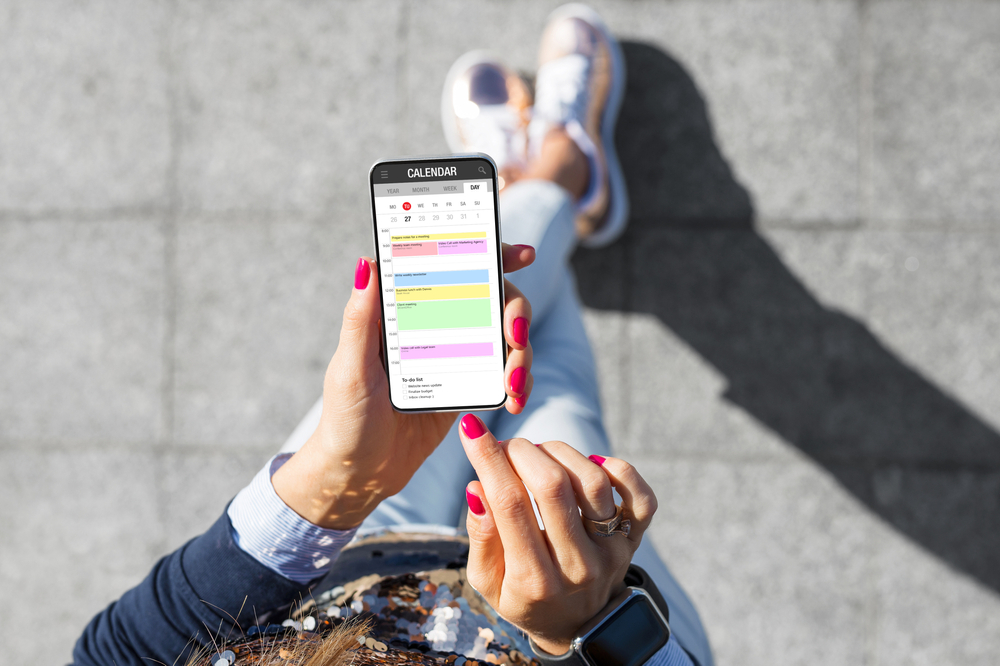
This is essential, but it won’t tick any tasks off your to-do list and takes up real mental effort and time to complete. This can make an app that seems to empower you into a part-time job in itself that can create more demands on your time than the tasks it should be managing.
Dealing with the Burden of Choice
An often misunderstood aspect of app overload is the psychological toll created by the burden of choice. Every app that we introduce into our lives produces new choices, such as: Will I put this task in a daily checklist or project list? Which app do I use for a fresh idea? Which labels or tags do I assign? Do I archive or delete an old item?
At first glance, these seem like relatively minor decisions, but they add up to drain mental energy and introduce stress points. Remember that a productivity app is supposed to make life easier, but the paradox is that it can have the exact opposite effect.
How App Overload Can Affect Our Lives
If you think about an average workday, how many times do you use a task manager, Slack, a calendar or check your email? How many apps do you have open at the same time and do you feel like they are all competing for your attention?
Some people find that they spend more time managing their various apps and less time completing tasks. This is the core of app overload, it’s not just having too many tools, it’s the obligations, micro-decisions and maintenance obligations that drain time and mental energy.
This is a productivity trap, we feel like we need more tools to handle the problem, which typically leads to a greater mental load and our attention is fragmented. Over time, any sense of accomplishment is harder to attain because we are not completing tasks.
The Hidden Side Effect of Optimization is App Fatigue
Think of app overload as a quantity issue, there are simply too many tools. Then consider that app fatigue is a quality issue, there’s too much friction created by the digital tools.
Even those that have the discipline to limit themselves to a few apps can feel overwhelmed, drained and even paralyzed by the systems they put in place to help them. App fatigue can feel like dread, when you open your device and are confronted with too many questions, such as: Where do I put this note? Why do I have overdue items spread across multiple apps? Wait, did I already log this task?
This disconnect may be subtle at first, but it will snowball into a problem that can sap your focus and motivation. The end result is a feeling of frustration which limits productivity.
Micro-Decision Fatigue
Those micro-decisions that are introduced with every new app will add up over time. They may seem insignificant in isolation, but they tend to accumulate rapidly. Consider one simple task: Which app are you going to use to track it? Which category or tag should you apply? Should it be scheduled now, later or some time in the future? What priority level should be assigned?
This is mentally taxing, psychologists refer to this as “toll decision fatigue” as the brain becomes tired when numerous tiny choices are required. This impairs the ability to make good decisions, it often manifests as procrastination and erratic productivity. In reality, the user is spending their time juggling apps and the work suffers.
Two famous examples of this are Albert Einstein and Steve Jobs. The former wore the same suit and the latter wore his signature black turtle neck sweater everyday. They did this because they didn’t want to waste their mental energy on trivial decisions that would limit their productivity. These are extreme examples, but they highlight that the accumulation of trivial decisions can be a real problem for those that strive to be more productive.
Productivity Anxiety “The Guilt Loop”
With each new app, there is a certain amount of guilt because it’s now used regularly, an app you’ve used for years is abandoned, you’ve fallen behind on a task list or habit tracker and you’re not getting work done because you’re too busy checking notifications.
This guilt loop creates a sense of failure that’s amplified over time and this may be the case even if you’re managing to achieve real world goals. The digital tools that you installed to help you become more productive can make you feel like you’re failing.
The Cognitive Overload Issue
The app fatigue problem may manifest as cognitive overload when you switch between multiple dashboards and tools. Our brains are not designed to juggle this volume of content and the systems at the same time.
This can lead to a number of confusing questions, such as: Did I log this in Mem or Notion? Which app has the latest version of my project? Do I check this with Google Calendar or Todoist? This can feel like you have multiple mental tabs open in your mind at the same time. Those tabs have become tasks, notifications, reminders and notes that are all competing for your limited attention. This can create scattered thinking that impairs creativity, increases stress and slows down effective decision-making.
What are the Root Causes of App Fatigue?
There may be a combination of factors at play that cause app fatigue.
- Too Many Decision Points: Every app that we add to our device introduces fresh tiny decision points that accumulate to cause mental exhaustion.
- Guilt and Anxiety: The user can feel compelled to check, organize and maintain their apps constantly to justify downloading them.
- Cognitive Load Fragmentation: The frequent context switching and multiple system management can fragment focus.
- The Maintenance Burden: To keep multiple digital tools organized introduces extra work that takes the user away from completing tasks that are truly productive.
To summarize, app fatigue may seem like laziness and inefficiency, but it’s actually an understandable consequence of managing more digital tools that the user can handle comfortably.
Our Dangerous Love Affair with New Apps
At this point in our article, you may be thinking “New apps are fun, they give me hope and I don’t see any harm in downloading them”. This of course is your prerogative, but there are reasons why productivity apps are seducing you to download them.
Let’s look at these factors in more detail to help you understand why you make these choices.
A Novel App Can Feel Like Real Progress
Downloading a new app delivers a dopamine hit, this is the chemical that fires off when you eat chocolate, complete a task or go shopping for new clothes. This is known as “the novelty effect”, the new digital tool can feel like progress, but in reality no real work is done.
Installing a new app, setting up the dashboard, importing old tasks and color coding projects are activities that are not checking off items on your to-do list. But, our brains are fooled into thinking that we are being productive and this is why many people consistently download new apps.
The Illusion of Control
Adding a new app can impart an illusion of control, it promises that you won’t forget tasks, your stress levels will be reduced, you can have work-life balance and you can organize your life. For a while this may seem true, but the harsh truth is that no app can organize your entire life for you. These are digital tools, they cannot transform your life like a magic spell, they require work to deploy and use.
Human Beings are Wired for Optimization
All humans are natural optimizers, we look for faster and more efficient ways to complete tasks. This is why we are the most successful species, we are problem solvers and tool makers.
In the digital age, optimization can be a trap, because there’s always a fresh app to explore. There will always be an “expert” ready to tell you that this next app will be the only app you will ever need! This causes us to spend more time downloading fresh apps and managing them rather than using them.
5 Steps to Streamline Your Productivity Apps
Up to this point we have been harsh on productivity apps and it would be fair to believe that we are against using them. This is not the case, there are some excellent digital tools that can be truly useful if they are used with clear intentions.

The key to efficient app use is to simplify them and build the systems that work best for you. The last thing you need is to waste your time as an unpaid full-time app administrator for your devices.
To streamline your productivity apps there are five simple steps to follow.
Step 1: A Digital Tool Audit
Before you add a fresh app, pause and ask yourself, why am I downloading this and what tools am I already using? Take some time to list every productivity app that you already have, such as: calendars, note-taking apps, task managers, time trackers, habit trackers and more.
For each app ask yourself four questions.
- How do I use this?
- What is its purpose?
- Does this duplicate another tool?
- If I stopped using this tool what would happen?
If a tool is not a standard part of your workflow and you’ve not opened it in a month, it’s probably in your guilt pile. You should delete the apps that are not useful, they may be expensive, but the sunk-cost fallacy can be a real problem.
Step 2. Identify Your Core Needs
Avoid chasing features, place your focus on the functions and ask yourself: “What do I need to get tasks done?”. The vast majority of people only need three or four basic functions.
- A way to schedule their time.
- A method to capture tasks.
- A location for reference materials.
- A place to journal or reflect on progress.
Every additional tool is outside these core needs, they may be nice to have, but they are not essential.
Step 3. Consolidate Your Apps
Managing multiple digital tools that do things slightly differently is a primary source of app fatigue. Consolidate where you can, choose one app that can handle notes and tasks. Perhaps you can manage your calendar inside your task manager? Do you have built-in phone tools that you can use over third-party apps? Effective consolidation can reduce the context switching, mental load and maintenance requirements.
Step 4. Avoid Perfectionism
The system you choose doesn’t need to be perfect, it just has to be good enough to support your goals. The enemy of productivity is perfectionism and you don’t need to create complex hierarchies, the ultimate aesthetically pleasing dashboard or tag each note perfectly. Focus on capturing what truly matters, making progress on important projects and understanding what you need to do next.
Step 5. Review and Refine
After streamline check your apps on weekly or monthly basis and ask yourself three questions.
- Does this system still work?
- Are there any of these digital tools that I don’t need anymore?
- Are the friction points that can be reduced?
A good analogy is tending a garden, some gentle pruning can keep the garden healthy, but if you’re cutting back too much, it’s likely that you’re overdoing the maintenance.
Time for a Productivity App Detox?
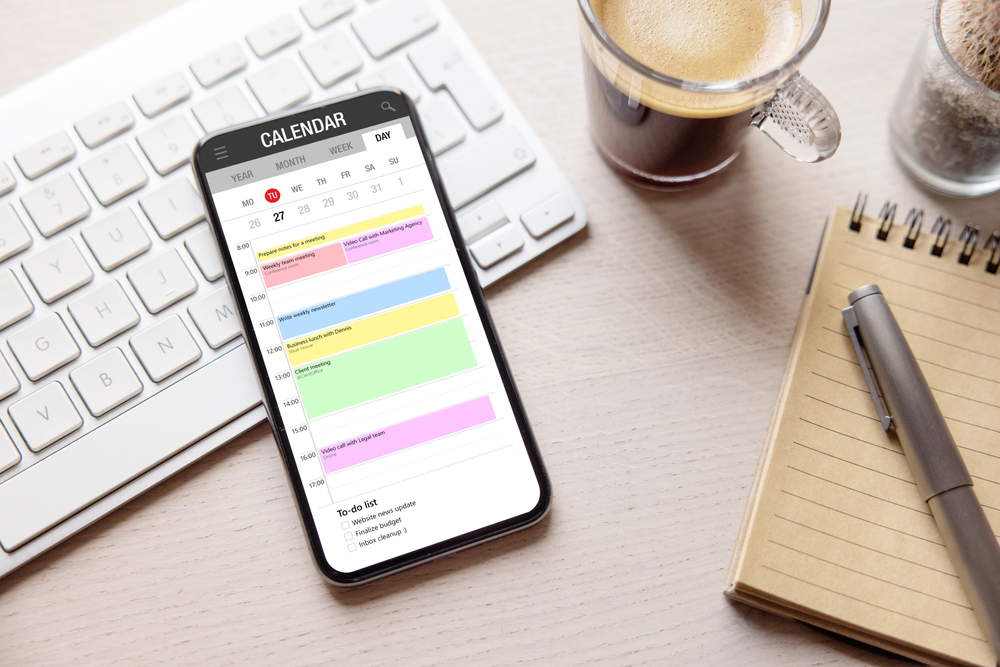
Once you understand the productivity app paradox, it’s easy to identify potential issues and take steps to avoid them. Stick to one app per function and avoid duplicates. Perform a weekly or monthly app cleanse to ensure that you’re using what you already have.
If you feel overwhelmed, switch to a bullet journal or notebook for simplicity. Create space by switching off notifications, setting app limits and hiding unused apps in a separate folder to force intentional use and reduce temptation. Limit the tool maintenance time to 15 minutes per week to protect your real work time.